Home Wi-Fi setup in Dubai is a coverage job, not automatically an internet-plan upgrade. If video calls work beside the router but drop in a bedroom, ask for room-by-room testing before buying more equipment. A useful quote separates the survey, hardware, installation, cabling and handover—and names the rooms where performance will be checked.
Published offers illustrate the difference: Smart Tech Dubai advertises a troubleshooting visit from AED 299 and a home mesh package from AED 999; RepairZone lists two-node installation labour at AED 550–750 with hardware extra. These are different scopes, not a comparable price range. Use this guide to decide what to request and compare complete proposals for your apartment or villa.
Dubai Wi-Fi installation prices: compare the same purchase
The following public advertisements were checked on 17 October 2026. They are provider examples, not Bestimate transaction averages, endorsements or fixed quotes. Internet subscriptions are separate.
Different packages need different comparisons
| Published offer | AED and unit | Confirm in writing |
|---|---|---|
| Smart Tech: troubleshooting visit | From AED 299 per visit | Diagnosis, router reconfiguration and before/after testing; new equipment separately confirmed |
| Smart Tech: home mesh package | From AED 999 per package | Advertised 2–3-node system; exact models, quantity, cable work and VAT |
| RepairZone: two-node mesh installation | AED 550–750 installation service only | Hardware is additional; clarify cable routes, supplied accessories and VAT |
| RepairZone: three-node villa setup | AED 800–1,000 installation service only | Hardware is additional; specify indoor/outdoor coverage and any new wiring |
Sources: Smart Tech Dubai's packages and RepairZone's installation-only table. The cited prices do not establish a common VAT basis. Confirm the complete payable amount and treat unpriced equipment or cabling as unresolved, not free.
Compare complete installation for the same rooms, equipment specification and handover tests, separating hardware from installation-only prices.
Open the full home wi-fi installation quote comparison. Use written prices: unknown essentials remain unresolved and a comparable difference appears only after both scopes are confirmed.
Use the comparison tool for your actual quotes
Enter the complete one-off price from each installer, its stated VAT basis, and any separately priced essentials. Compare the same rooms, equipment specification and handover tests. Do not add hardware again if it is already inside a package total. List recurring support, cloud subscriptions or ISP add-ons separately and compare them over the same period before deciding.
The result is arithmetic using your inputs, not a site survey or automatic estimate. A proposal with a missing cable price cannot fairly be declared cheaper than one that includes that work. If one installer proposes wireless mesh and another proposes wired access points, resolve the design difference before treating their totals as interchangeable.
Is the problem the internet connection or Wi-Fi coverage?
Tell the installer whether every device is slow, only one device struggles, or the problem appears in particular rooms. Note the time, location and task: a bedroom video call is more useful evidence than “the Wi-Fi is bad”. Ask the technician to compare the incoming connection with performance in the affected rooms. If the connection itself is failing, involve your internet provider; adding a node will not repair an upstream fault.
Before approving a replacement system, request a short diagnosis: what was tested, what failed and why the proposed work addresses it. Keep ISP equipment changes within the provider's supported setup. Do not factory-reset the fibre equipment or change shared building infrastructure on the assumption that every connection problem is a router fault.
Mesh, wired access points or a smaller adjustment?
Ask the survey to justify the design
| Situation | Scope worth assessing | Key comparison question |
|---|---|---|
| One weak room in an apartment | Placement/configuration review, then an extension if needed | What evidence justifies replacing the whole system? |
| Several rooms, no practical new cable route | Mesh with tested connections between nodes | Can each proposed location receive a strong enough link? |
| Multiple floors or usable Ethernet outlets | Wired-backhaul mesh or wired access points | Were the outlets and cable paths tested, not just counted? |
| Garden, terrace or separate room outside | Separately designed outdoor coverage | Are mounting, power, cable protection and suitable equipment included? |
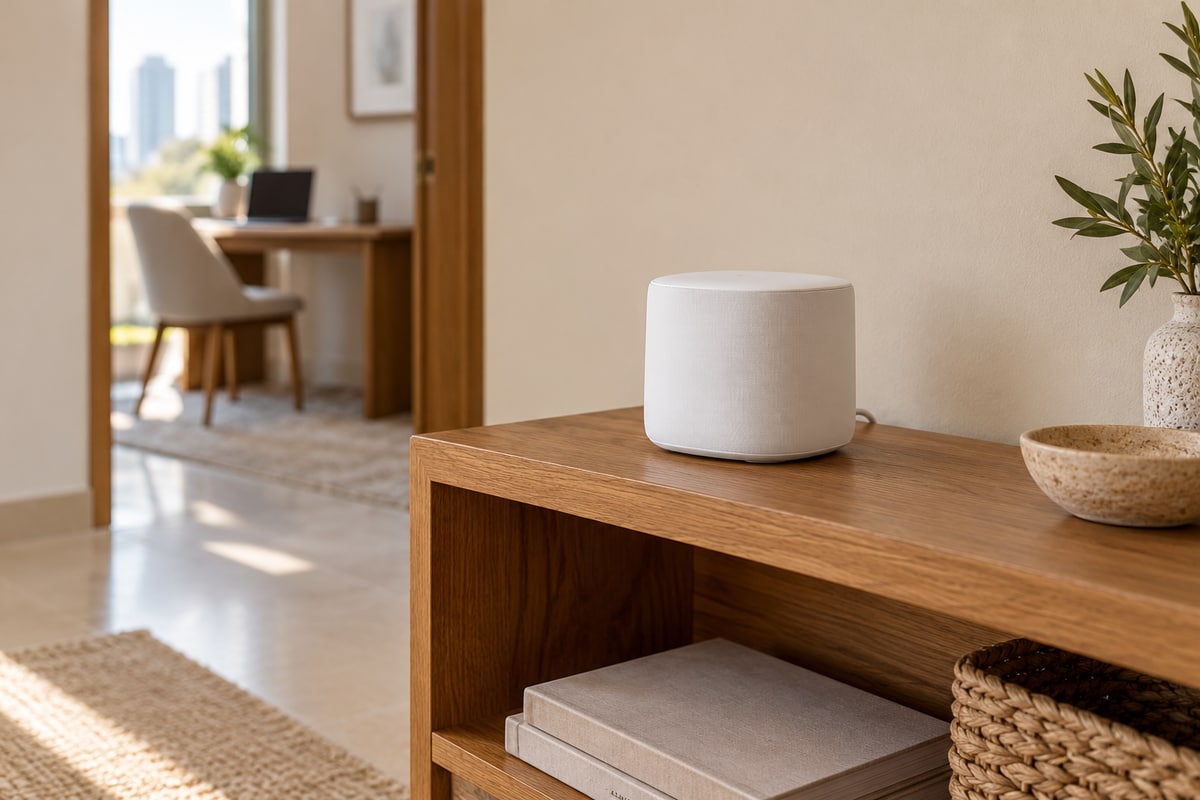
Backhaul means the connection carrying traffic between network units. Wireless mesh still needs a good link between its nodes; placing one in a complete dead zone is not a reliable design. TP-Link's placement guidance recommends checking that link and avoiding obstructed positions near metal and interference sources. A tidy cupboard is not automatically a good radio location.
TP-Link's Ethernet-backhaul guidance explains how compatible mesh units can use cable links instead. Whether you choose mesh or access points, ask for the exact models and connection layout. “Mesh” and “wired” are not opposites, and a newer Wi-Fi number alone does not establish coverage in your rooms.
What a complete Dubai home installation quote should include
- Survey and room list: floors, bedrooms, work desk, TV area and any agreed garden location. Identify inaccessible areas and exclusions.
- Equipment: exact model and quantity of routers/nodes/access points, switches, power supplies and mounting parts; clarify what you already own.
- Cabling: existing outlets tested, new runs and termination points, visible trunking versus concealed routes, drilling and making good.
- Access: confirm landlord or building-management permission for alterations where required, plus work hours, ceiling access and parking arrangements. A “wireless” product can still require power or cable work.
- Handover and support: who owns the management account, what is documented, whether remote access remains enabled, warranty terms and any paid return visit.
For outdoor coverage, ask the installer to specify equipment suitable for the proposed location and the manufacturer's mounting and environmental requirements. Do not move an indoor node into direct sun or an exposed garden simply because the signal reaches farther from there. Leave drilling near concealed services and fixed electrical alterations to an appropriately qualified contractor.
For device routines and integrations rather than signal coverage, see our smart-home automation guide. Keeping the network and automation scopes separate makes both easier to quote and test.
Agree the acceptance test before installation
List the actual locations and tasks that matter: a video call at the study desk, streaming in the living room and connectivity in an agreed outdoor seating area. Ask for before/after results using the same device and comparable conditions, with the test location recorded. Test more than one important device where compatibility is a concern.
A single speed test beside the main router does not demonstrate whole-home coverage. Nor should you expect the advertised internet-plan speed on every wireless device. Ask the installer to explain any remaining limitation, demonstrate the guest network if included, and show how to restart or manage the system without losing settings.
Keep administrator ownership with your household. Do not put Wi-Fi passwords, router-label photos, account numbers or floor plans showing security details into a public quote description. Share only what is necessary through an agreed private channel, and clarify any installer remote-access arrangement.
Send one clear brief to Wi-Fi installers
For your home Wi-Fi setup enquiry, include apartment/villa, floors, approximate size, problem rooms, internet provider, equipment model names and whether Ethernet outlets exist. State whether you want equipment supplied or already own it. Request a survey-led proposal with an itemised total and agreed room tests. That lets you compare actual installation scope instead of competing “full coverage” promises.
Have your requirements ready? Compare home wi-fi setup quotes with a free request, or check the matching service. Confirm home-visit scope and availability before booking.
Frequently asked questions
How much does home Wi-Fi setup cost in Dubai?
Public examples reviewed in October 2026 include a basic troubleshooting visit from AED 299 and a supplied mesh package from AED 999. Installation-only offers can exclude all hardware. Confirm models, quantities, cabling and VAT before comparing totals; no single price applies to every home.
Do I need a faster internet plan to fix dead zones?
Not necessarily. Have the incoming connection and weak-room performance tested separately. Better distribution may address a coverage problem, while an ISP fault or overloaded connection needs a different response.
Is wired Wi-Fi different from mesh?
Mesh systems can use wired connections between compatible units. A wired access-point system also distributes Wi-Fi from cable-connected devices. Compare the actual design, compatibility and room tests rather than treating the labels as mutually exclusive.
How many mesh nodes does my villa need?
A bedroom count alone is not enough. Layout, floor separation, cable availability, node placement and outdoor requirements change the design. Ask the survey to justify the quantity and test the proposed connections before committing to more equipment.
Does Wi-Fi installation include my internet subscription?
Usually these are separate scopes, but confirm the offer. An independent installation price should distinguish equipment and labour from any ISP plan, provider equipment add-on or ongoing support subscription.
Review notes
Reviewed 17 October 2026. Provider advertisements may change. Technical references explain design considerations, not a guarantee for a particular property or device.